My brother has had an issue with his flysky remote whereby he is able to move the robot forwards and backwards with channel 1 but barely able to steer it with channel 2 (when it is supposed to be the other way round and works perfectly with my design (which uses a different copy of the same remote type). I have tried to use the elevation and reverse modes and changing the sticks mode, but none of these work. What else could be done to ensure that channels 1 and 2 work in the way they should with 1 for forward motion and 2 for steering?
I have swapped the yellow plug with the red-black-white one, and it now moves forward when the left stick is pulled up and down, which is easier for my twin brother, but there is little movement on the other channel, whereas I don’t have any problems with my robot (though both are very fast so not that easy to control), which uses the same type of transmitter and receiver, though those 2 are different copies.
Resetting and rebinding (by doing a factory reset and model reset and binding the receiver anew) still doesn’t solve the issue, likewise changing elevation and reverse modes. I don’t get why it’s a problem for his robot, whereas mine, whose receiver has its wires connected in the same way, has no problems whatsoever.
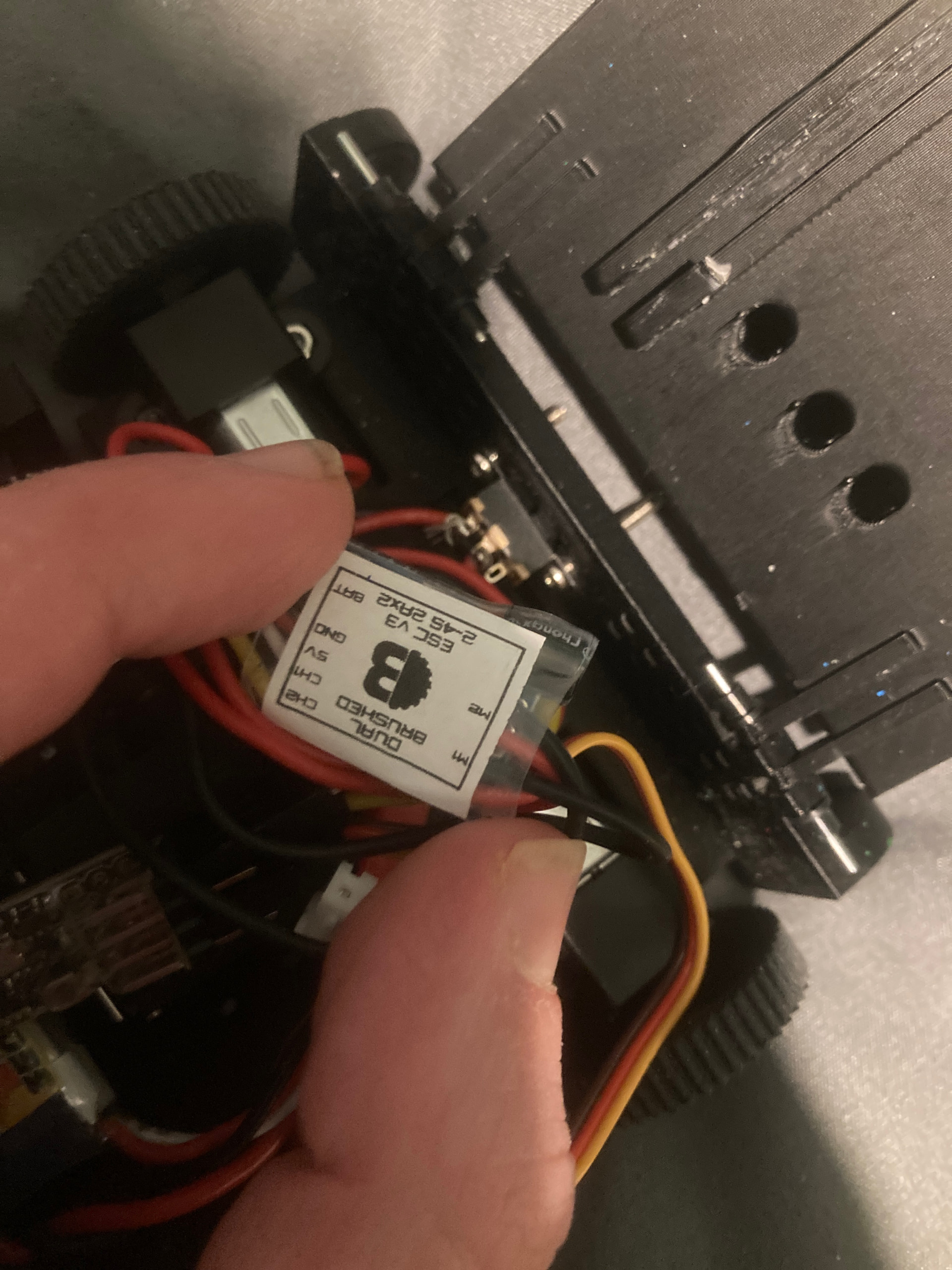
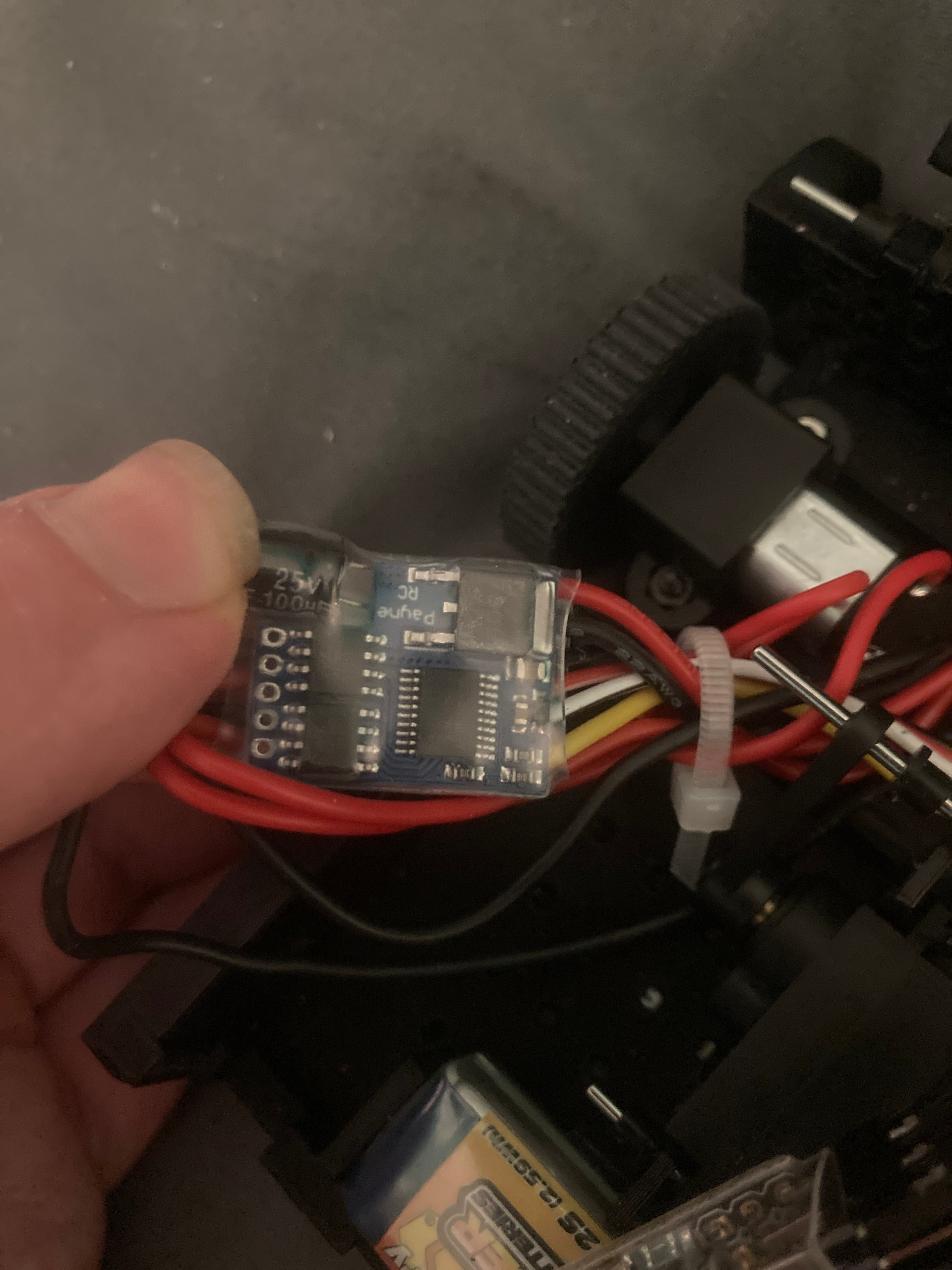
The ESC is your pre-made one on Bristol Bot Builders though, which cannot be soldered together. It’s the same one I use for my robot, which does not have this problem.
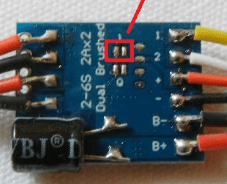
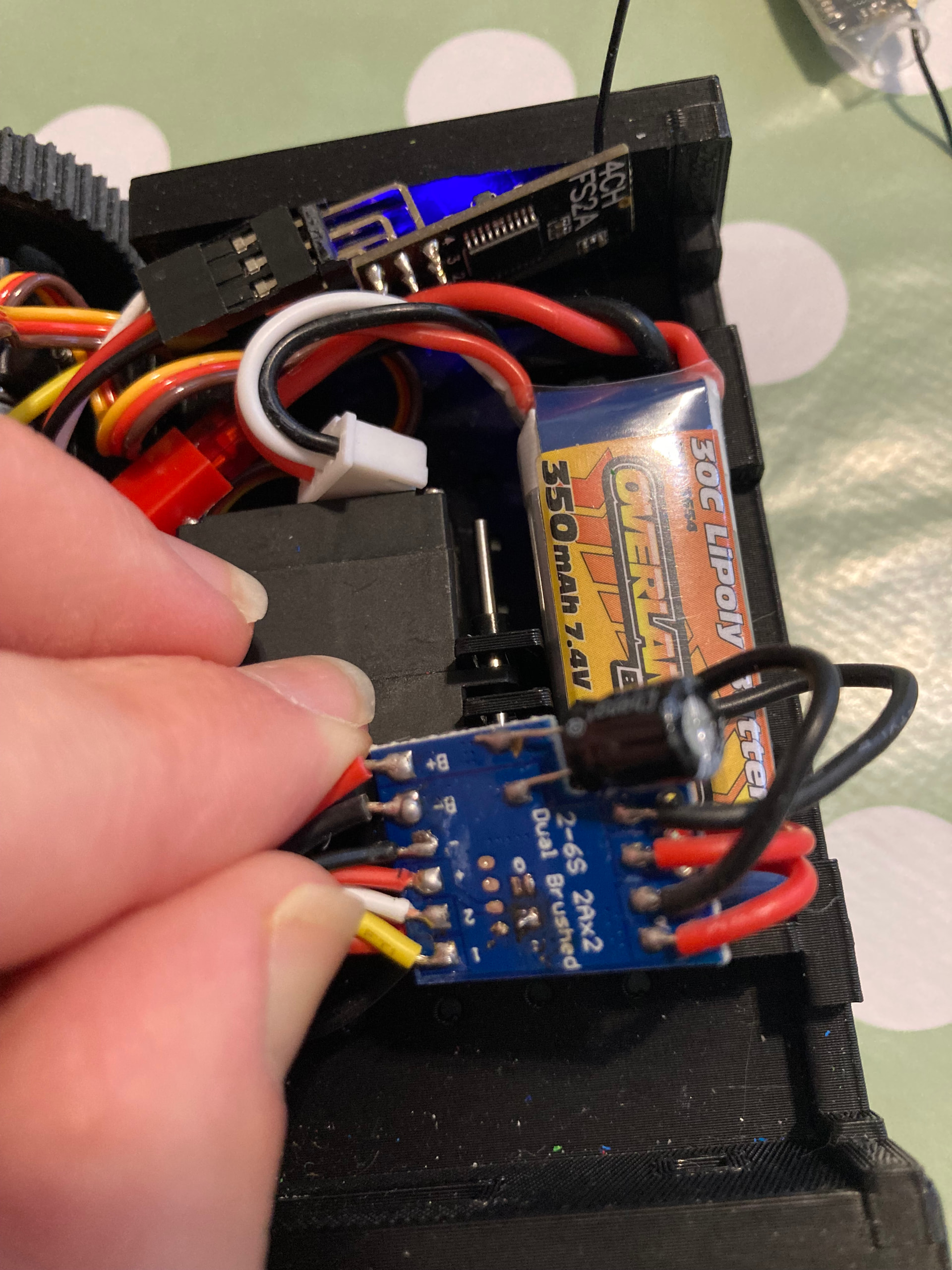
Joe is talking about bridging those two pads with a dab of solder so they’re electronically attached. Can we have a photo of the same part of the ESC that Joe shared a picture of?
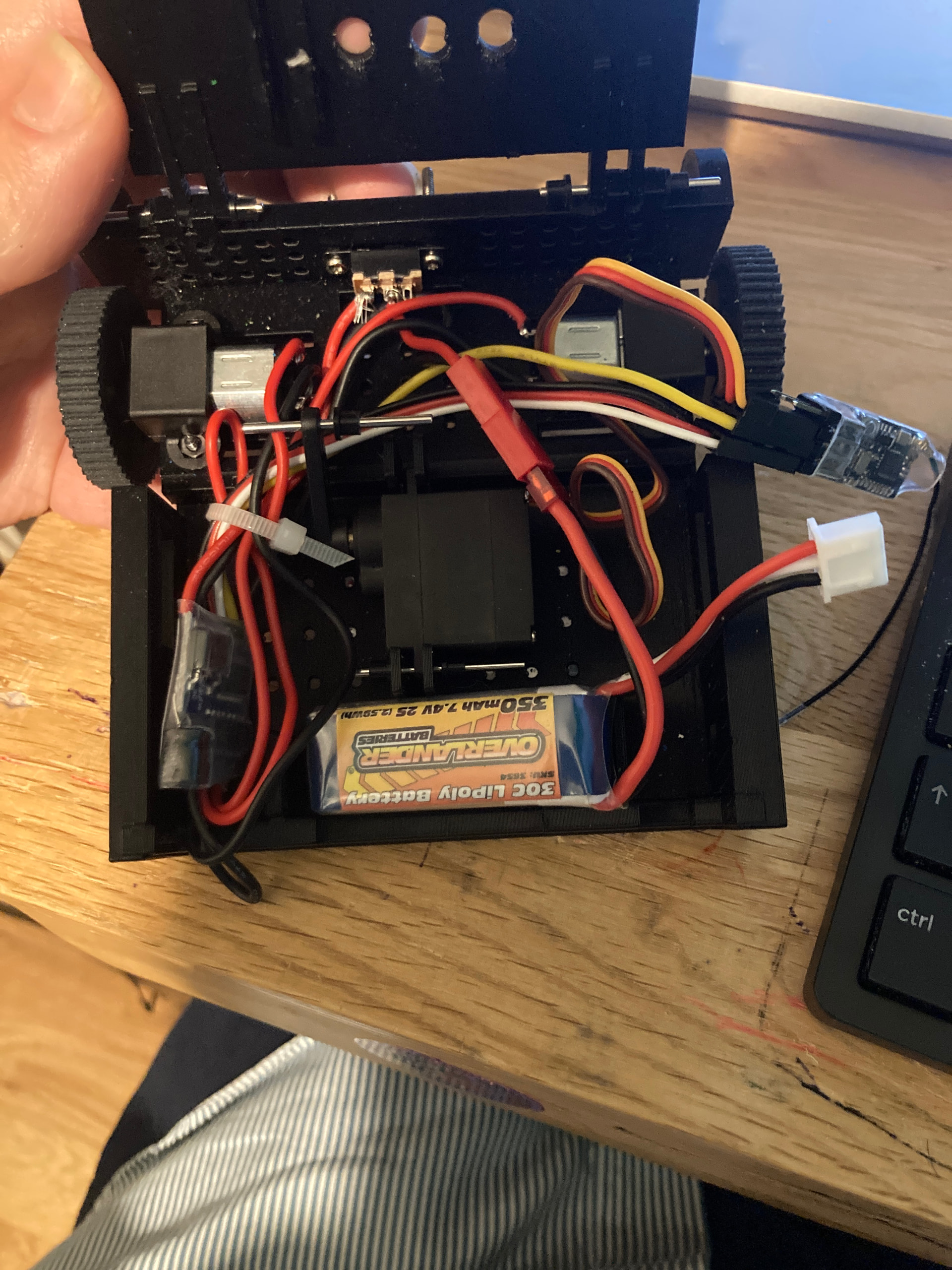
The two pics below are of the speed controller of his robot, clearly proving that it is the one pre-soldered and encased, which is the same one as mine, which doesn’t have this issue. If resetting both the model and the factory settings, rebinding, reversing channels, and changing elevation don’t work (I could change sticks mode) what other ways can correct the problem, not present on my robot but somehow present on this one, short of swapping the yellow wire and the red/white/black one on the receiver or flipping a motor over?
Above is how it looks now. It does move when I move the left stuck up and down, and does spin when I move it left and right, but it also spins a bit when I move up and down, and the best way for linear motion is to move it diagonally. What else should be done? Would it now be for me to solve Elvn and Reverse modes?
Great that sounds like you’ve disabled on-board mixing on the ESC.
Now you need to set up mixing on your transmitter as I mentioned above - please follow the guide to enable elevon mixing
I have followed the guide by reversing one of channel 1 or channel 2, and by switching on Elevon, with channel 1 at 100 and channel 2 at 40. However, any linear motion, be it up-down or left-right, will turn the robot with straight line motion only if it is moved diagonally up-right or down-left. What should be done next?
Diagonal on the sticks to drive forward sounds like the mixing hasn’t been enabled - just to be sure you have to hold the cance button for your settings to be saved (eg reversing channels & enabling elevon)
As you had an ESC with faulty mixing to start with I’m happy to send you a replacement - I just need you to reply to the order email for the ESC.
It could easily be on the transmitter, as I don’t have a problem with robots on the other transmitter, but do with robots on this one. I can easily get spare speed controllers though, in my own time. I have some already.

 )
)