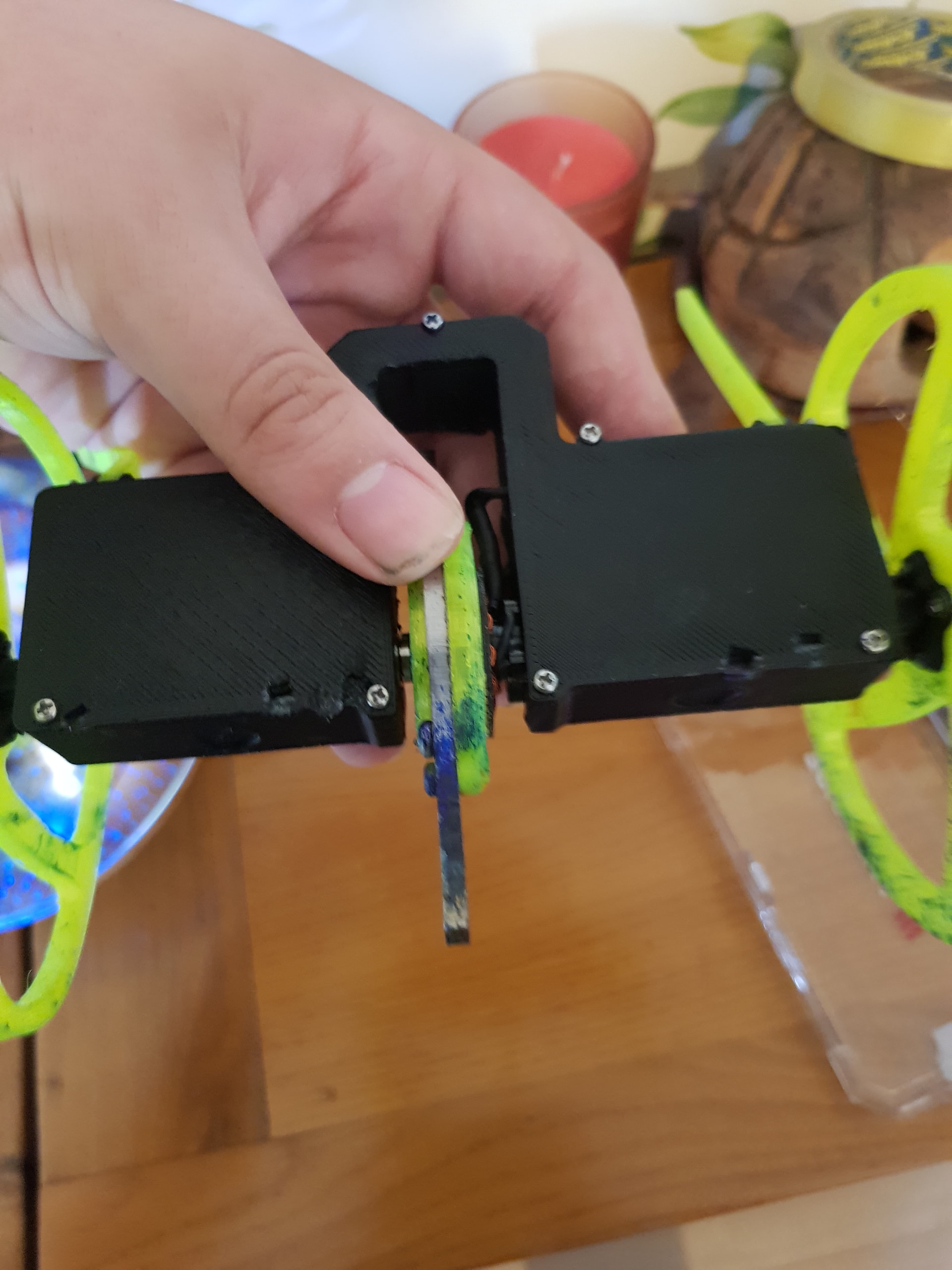
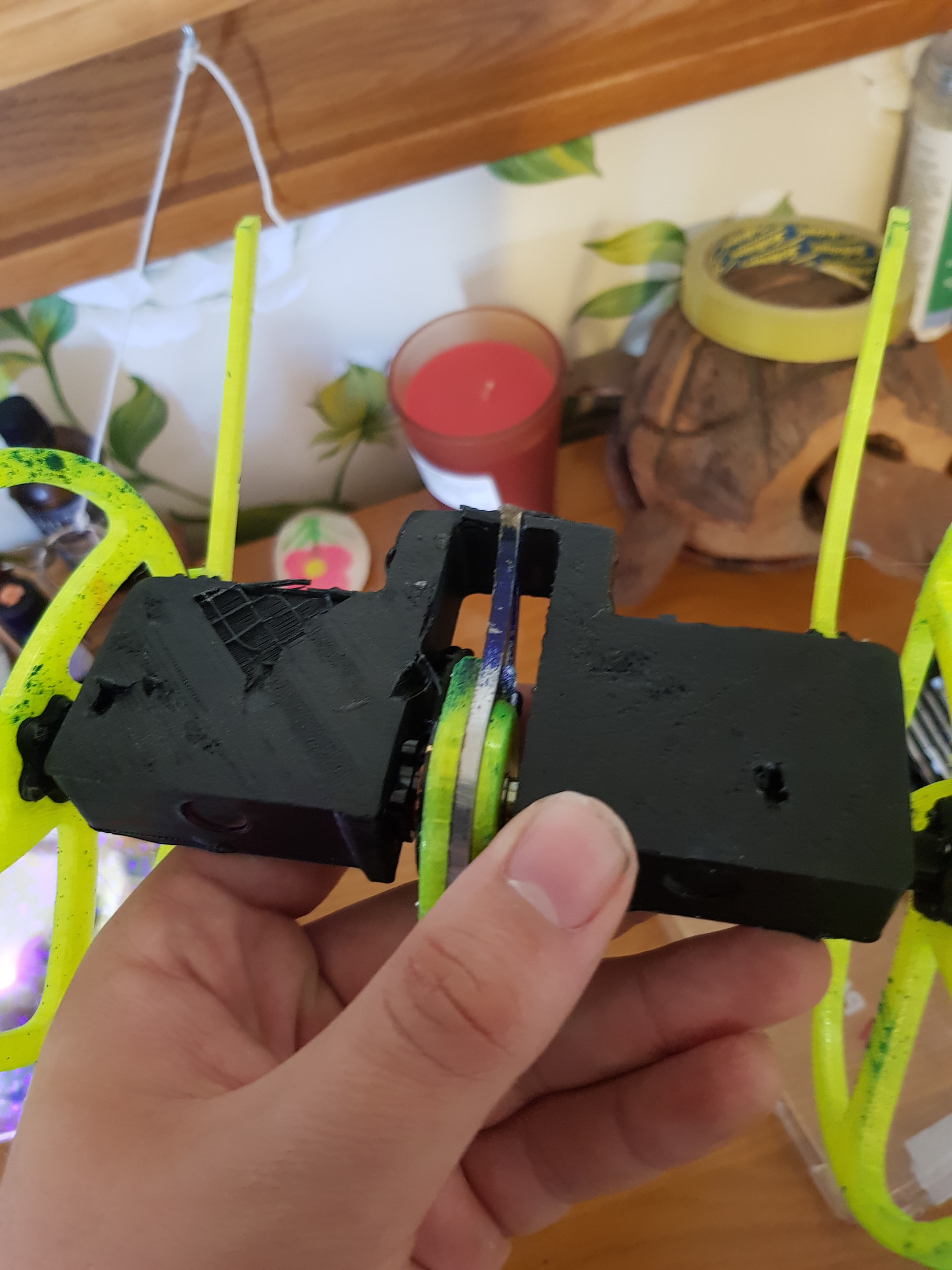
I don’t know how to get the optimal set up for my flysky i6 to control it. The n20 600rpm motor that powers the arm is connected to the two holes underneath the letter W on the malenki nano.
My current setup without me changing anything is,
Right stick: all drive.
Left stick: Up and down is the weapon motor, left and right is the arm.
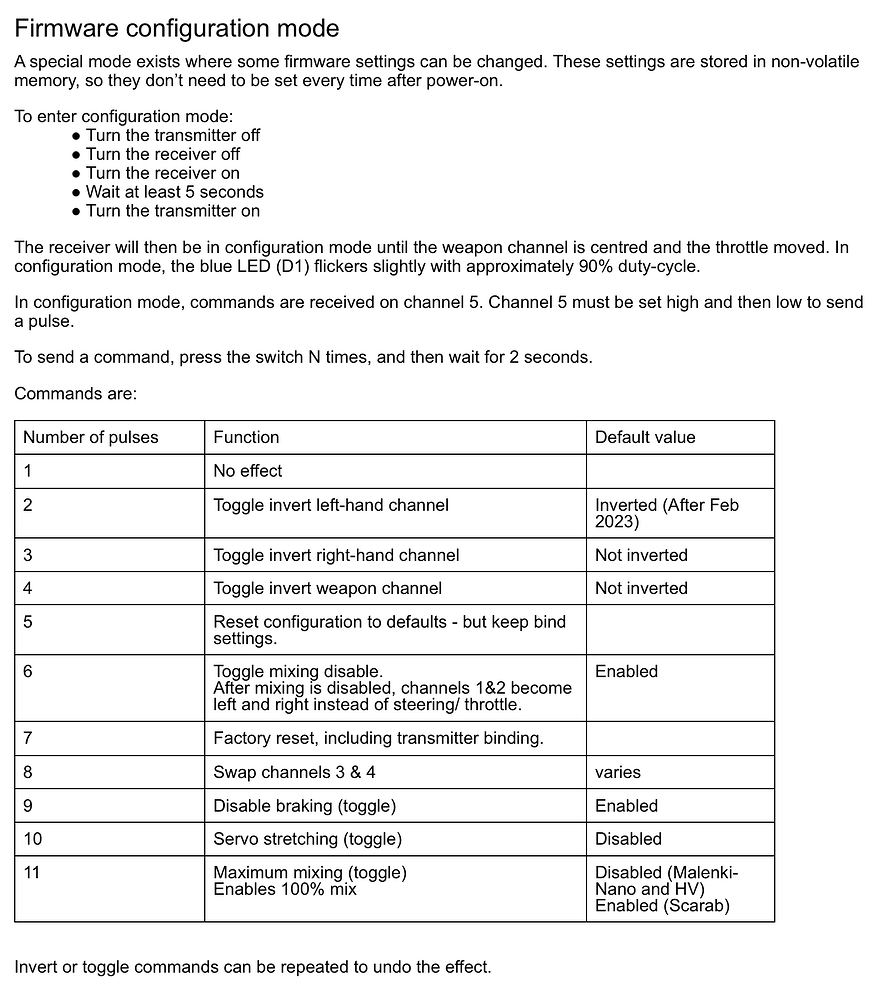
Having the hammersaw be up and down on a flysky wouldnt be ideal, as everytime you retract from a swing you have to centre it perfectly. I believe if you go to the malenki documentation you can swap channels 3 and 4 to achieve the up and down to the arm. Not sure how to rebind to SWA with a fsi6, sorry
Would recommend leaving it as is tbh, unless you put springs into the fsi6 controller to centre the up and down motion.
You can use the “swap channel 3 and 4” command to reverse the channels on the left stick, which is probably what you want.
Then you can attach your brushless esc to the 2nd pwm pad (Weapon3 / channel6) and have it run on channel 6, which the fsi6 allows to be mapped to switches / knobs.
I’m not absolutely sure whether the endpoints can be set appropriately on the i6, maybe you can use a 3-position switch to allow selection of different speeds or reverse. Maybe you can use the switch to “arm” the spinner and use the twisty knob (“VR” ? ) to control the speed?
Provided you’ve only got one robot turned on at the time, these changes will be allied to just that robot. When you do this you are making changes to the “code” running in the Malenki itself, not anything on the transmitter.
Do check your transmitter settings though to see what channel 5 is assigned to, you can find this under “Aux. channels”. If you assign channel 5 to one of the switches, make sure to check the “Switches assign” settings so you don’t then accidentally make that switch both invert and throttle hold.
right, so weapon is working and arm is good enough, but now my drive has failed me. for some reason, channel 1 and 2 seem to have swapped around. once again gross is rapidly approaching and I am very stressed. I have tried everything I can find such as mixes, reversing, desoldering In different places on the Malenki but im still completely lost. if anyone could give some advice that would be greatly appreciated.
edit:
I tried swapping around the wires on one motor and it finally all works! thank you all so much for your help.
Well you definitely got it working, sustained far more hits than I thought I did in our whiteboard at the end, nearly managed to slice my phase wires somehow. Definitely one of my favourite fights I’ve had, a good back and forth and the pits only interrupted us toward the end of the 2 minutes.
Do also appreciate you freeing me to continue our fight in the top 8, but a bad bounce had you out not a few seconds after. Someday there will be a place where 2 bots can fight uninterrupted.
I really enjoyed our fights! My robot held up better than expected against that nasty spinner! You’re welcome for me freeing you! I didn’t really want a fight to end like that, would’ve been really unfortunate for you. Just a bit unlucky that I had to fall in the pits shortly after! Glad to see that my hammersaw did some decent damage! Looking to bring some weapon upgrades to ORCS so hopefully will be even better then.
I’m specifically cooking up an anti tpu blade just because of how well you fared, clad in plates +10mm tpu I dont think there was alot of damage I could have done. I definitely look forward to seeing those weapon upgrades at ORCS, the one you’ve got on there nearly punched the whole way through the bottom of my 2.5mm PLA-ST chassis so I dread to think what else you’ve got cooking up. Definitely need to up my anti hammersaw game, it’s a looming reminder that while bigwheels may sit tall and counter forks they aren’t invulnerable. No problem for the trophy, shouldnt walk away from that with less after a save as big as that.
This is checkmate, my shuffling hammersaw that I downloaded off printables, and now I am improving it.
Checkmate just went to GROCS and went 4-1 in heats losing only to x-ray, the only bot to go undefeated the whole day, and drive issues hindered my ability to drive forward. It then lost the round of 8 to big shot a big wheel. I chucked it into some whiteboards at the end and it faired pretty well, the battery lasting much longer than I imagined.
Now, the important bit,
THE UPGRADES!
While the weapon did deal a few good blows, it wasn’t really able to pierce any top plates significantly. Which I hope will change with this next package.
THE PLAN
Swap from 1404 motor to bbb 1806 motor.
Replace current disc with team croc 60mm spinner disc.
Swap from 2s 250mah Lipo to 3s 180mah Lipo
Change from malenki nano to malenki HV to handle high voltage.
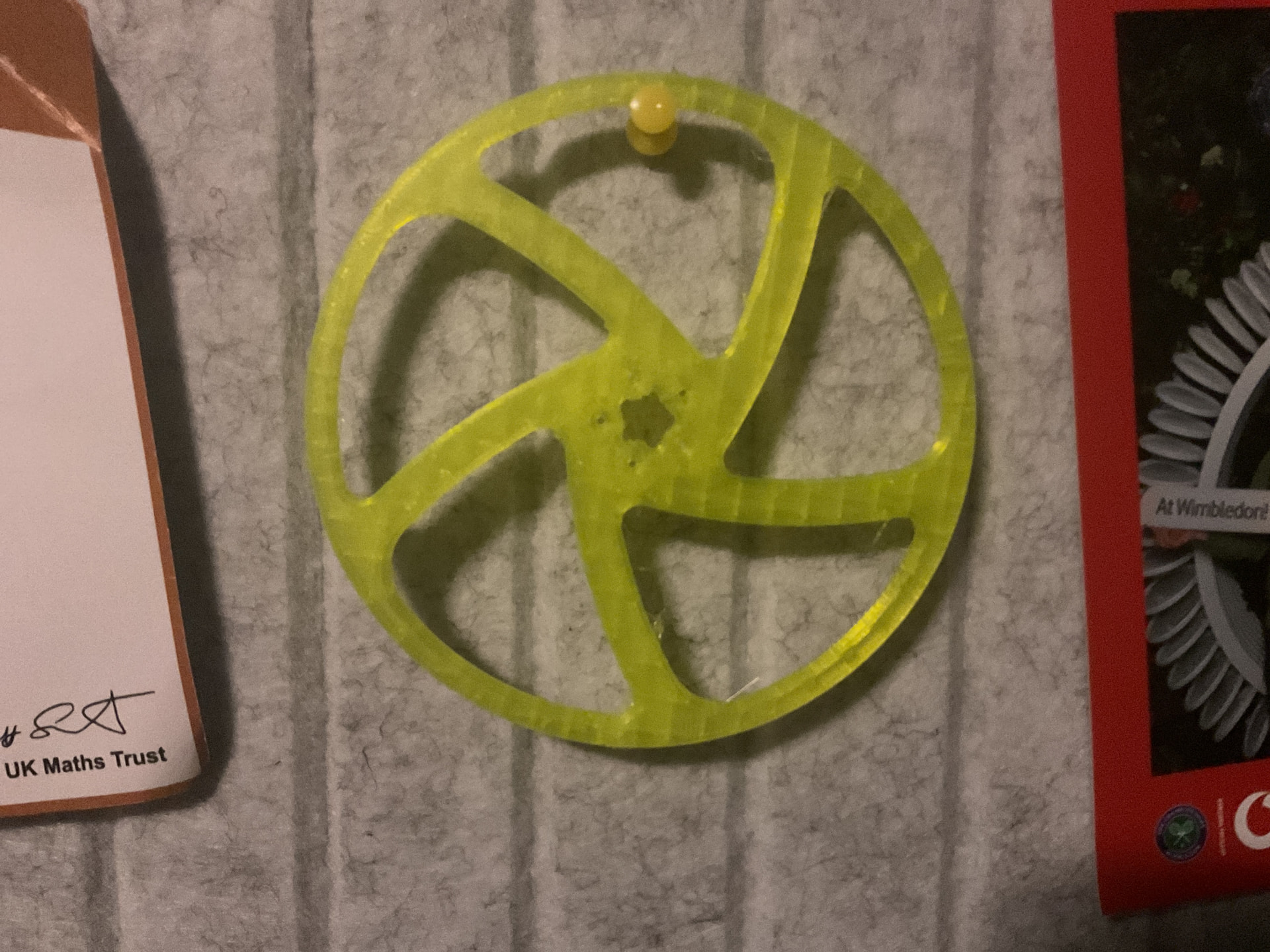
Redesign weapon arm to support motor on both sides and add bearing to hold not-attached end of motor.
THATS A LOT… but I’m hoping it will be worth it. I have about 20g spare weight so I should be able to get it under 225.
If there is anything that you guys think might not work, or wouldn’t be worth it, please tell me!
I would upload some pictures but something seems to be wrong with the system because it just come out as a bunch of system code stuff…
Swapping motors on hammersaw is somewhat redundant to me, but the rest of the changes sound excellent. What rpm drive motors are you currently running? Would be interested whether you could make it faster and smoother with higher rpm motors
 . can someone guide me on how to swap channel 3 and 4?